Why Pitch Diagram

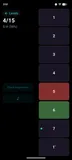
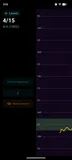
Pitch Diagram gives you immediate visual feedback on the pitch you produce, whether you're singing, playing violin, practicing trumpet, or tuning a guitar. Built by a musician (I produce electronic music as Signal Flux and taught myself singing for years), Pitch Diagram was born from wanting a better way to see pitch in detail during practice.

Have questions or suggestions? Send me an email

What's in the App

Pitch Diagram includes six tools for musicians, available on iOS and Android:

Pitch Diagram

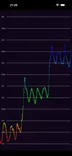
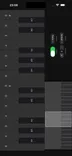
Real-time pitch graph for monophonic music. See every note you sing or play, with customizable waveform visualization and piano roll background.

Tuner

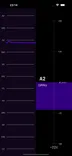
Cent-accurate chromatic tuner with spectrogram context. See the detected note and how far off you are in real time.

Pitch Spectrogram (Poly)

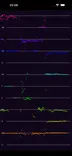
See multiple notes simultaneously. Analyze chords, identify harmony voicings, and see harmonic overtones.

Intonation Tracker

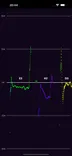
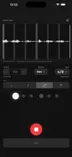
Track how close you are to each target note, measured in cents. Perfect for vocal training and intonation practice.

Spectrum Analyzer

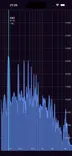
Full frequency spectrum visualization from 0 Hz to 8 kHz with logarithmic scale and harmonic analysis.

Tone Generator

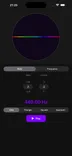
Generate reference tones by note name or frequency. Choose between sine, square, triangle, and sawtooth waveforms.

Roadmap

What's coming next for Pitch Diagram. This roadmap is fluid and changes based on user feedback and priorities. This roadmap is not a commitment - features, timelines, and platforms may change.

Last updated: February 2026

Completed Features

Features that have been completed and are now available.

Feature Availability

See which features are available on each platform.

Last updated: February 2026