
Start Tuner
Click to activate the microphone and tune your instrument
Tune Any Instrument
A real-time chromatic tuner that works with any instrument or voice. See the detected note, its frequency, and exactly how many cents sharp or flat you are.
In the app
Here are some things that are even better in the app.
-
Custom reference tunings
Set A4 to your own reference tuning.
-
Transposition
Shift the displayed note by up to an octave (e.g., to match trumpet note names).
-
Better form factor
Improved portability, performance, and diagram quality.
The Full Experience

What the readout gives you
Tuning is the quick part. Staying in tune is the part the graph beside the readout is for. Everything runs in your browser, and your audio never leaves your device.
A steady number beside an honest graph
The readout averages the last few frames so it will not twitch. The trace next to it draws every raw detection, so you still see the note settle.
It keeps watching after you've tuned
A needle only describes this instant. The scrolling history shows whether a fresh string held or slid flat over the next few seconds.
Nothing to select before you start
Full chromatic detection from the mic — no clip-on, no instrument presets to get wrong, and it reads a voice as happily as a string.
10 Tools for Musicians
The mobile app groups them the same way: analyze what you play, make sound, then train your ear.
Analyze
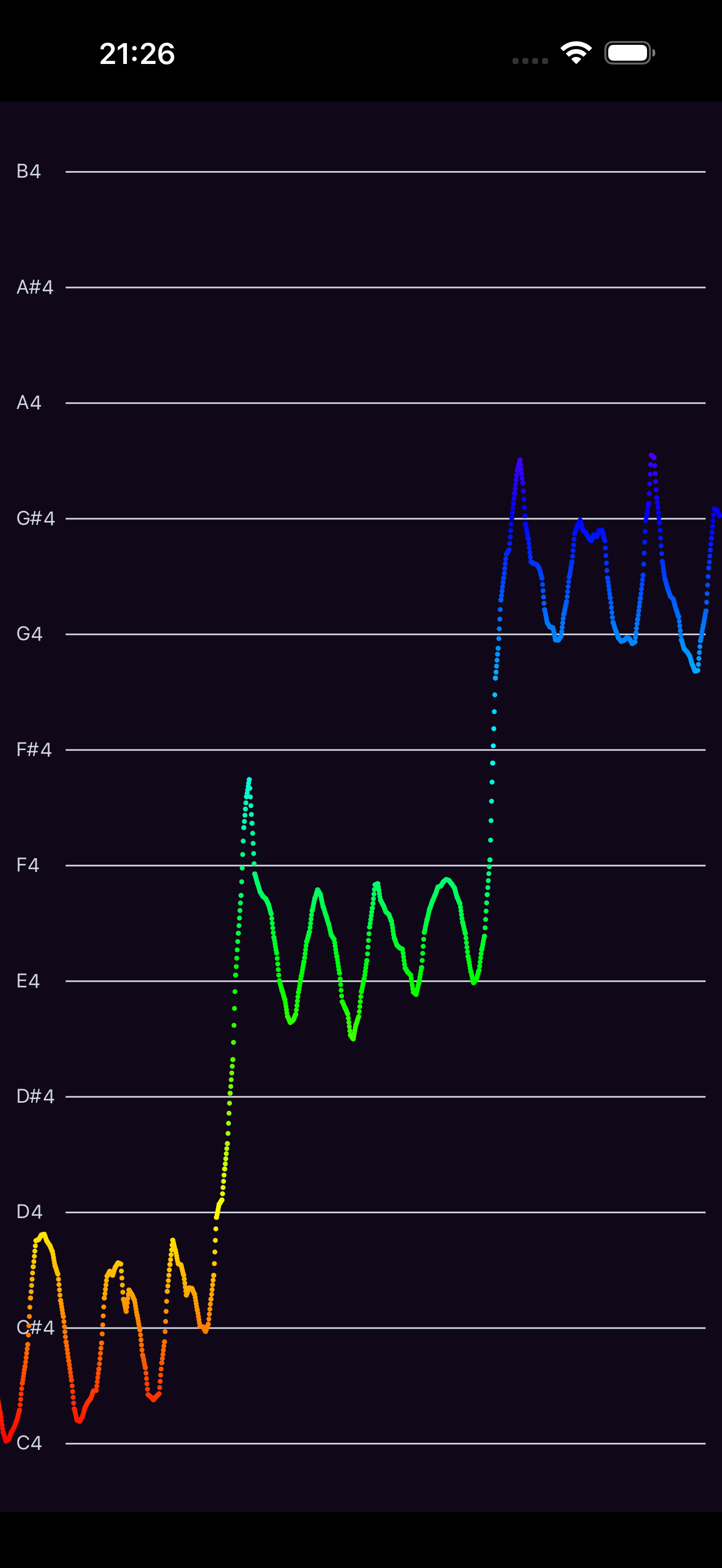
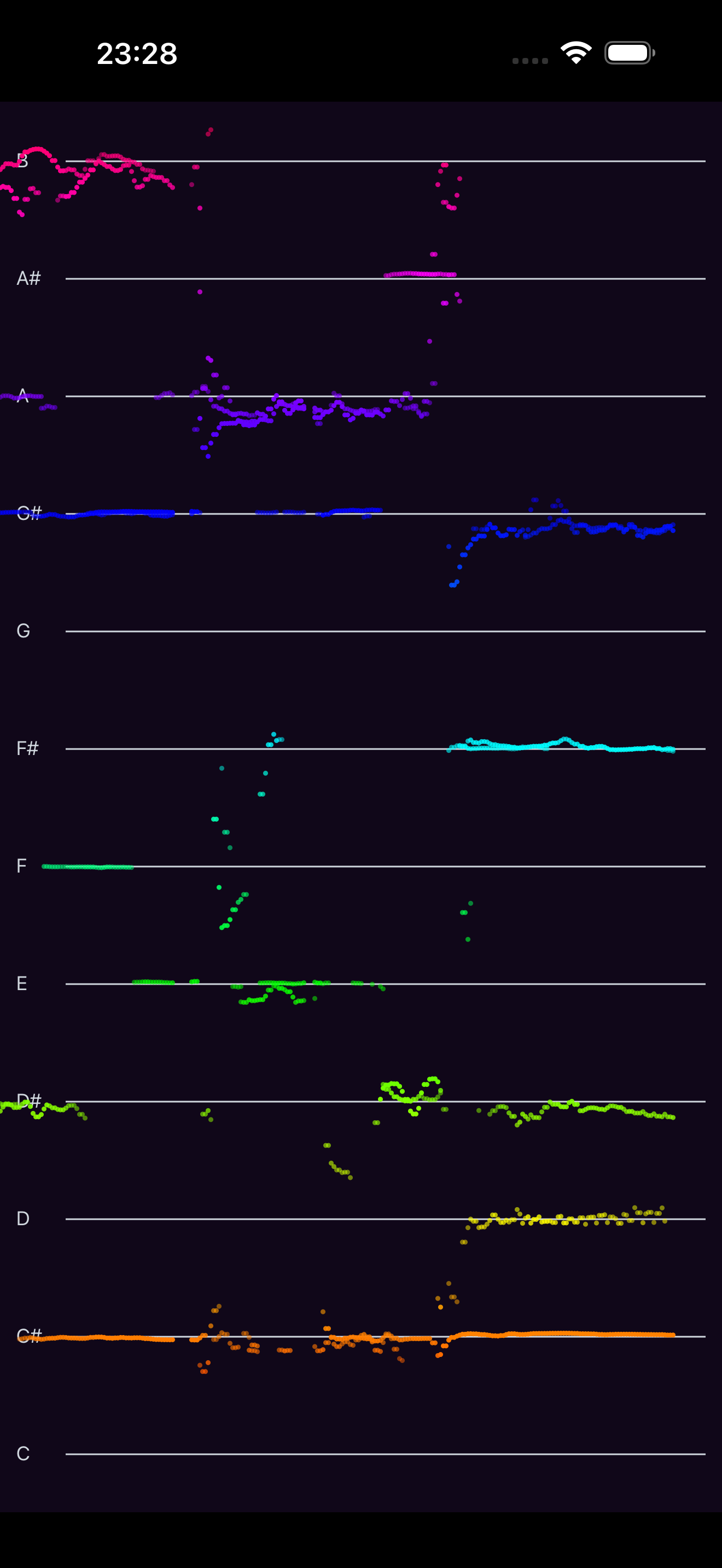
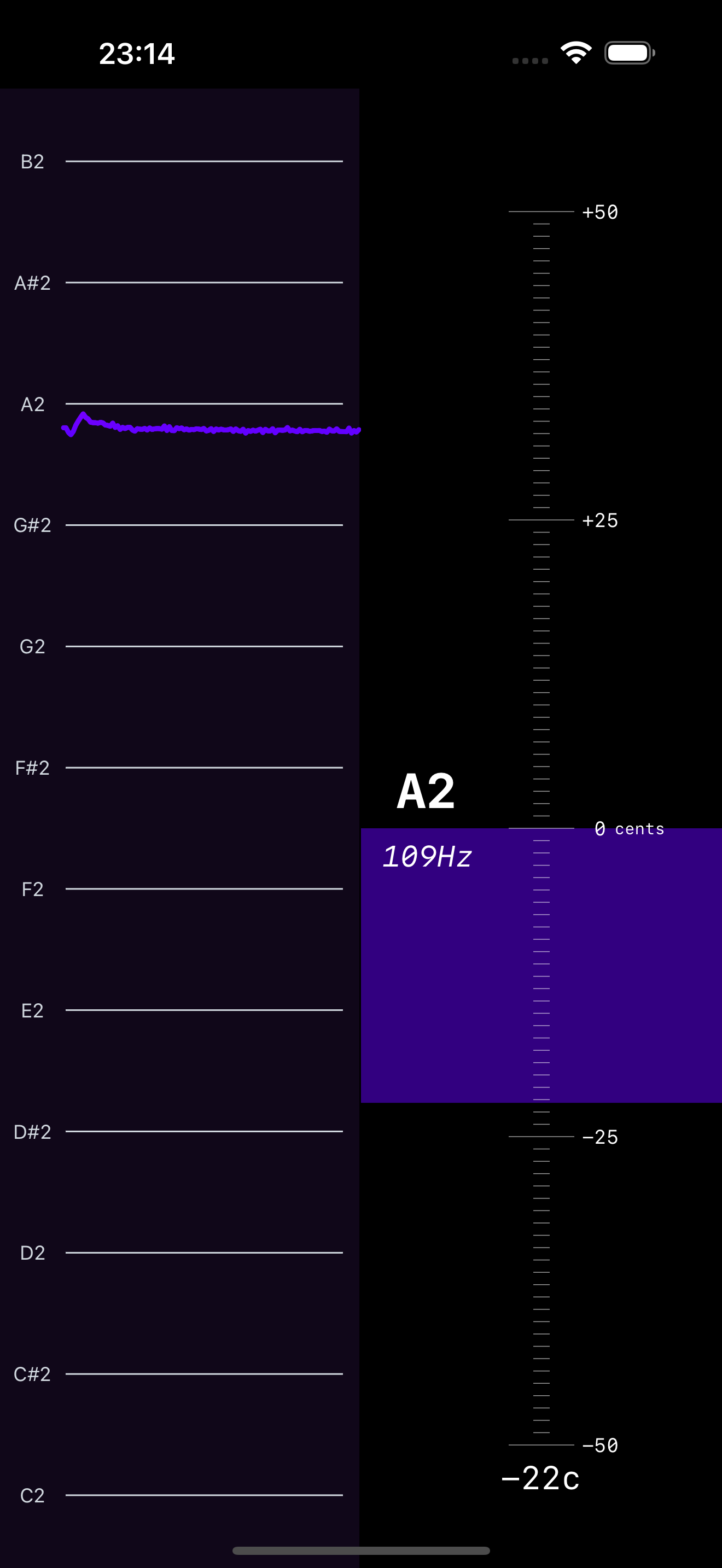
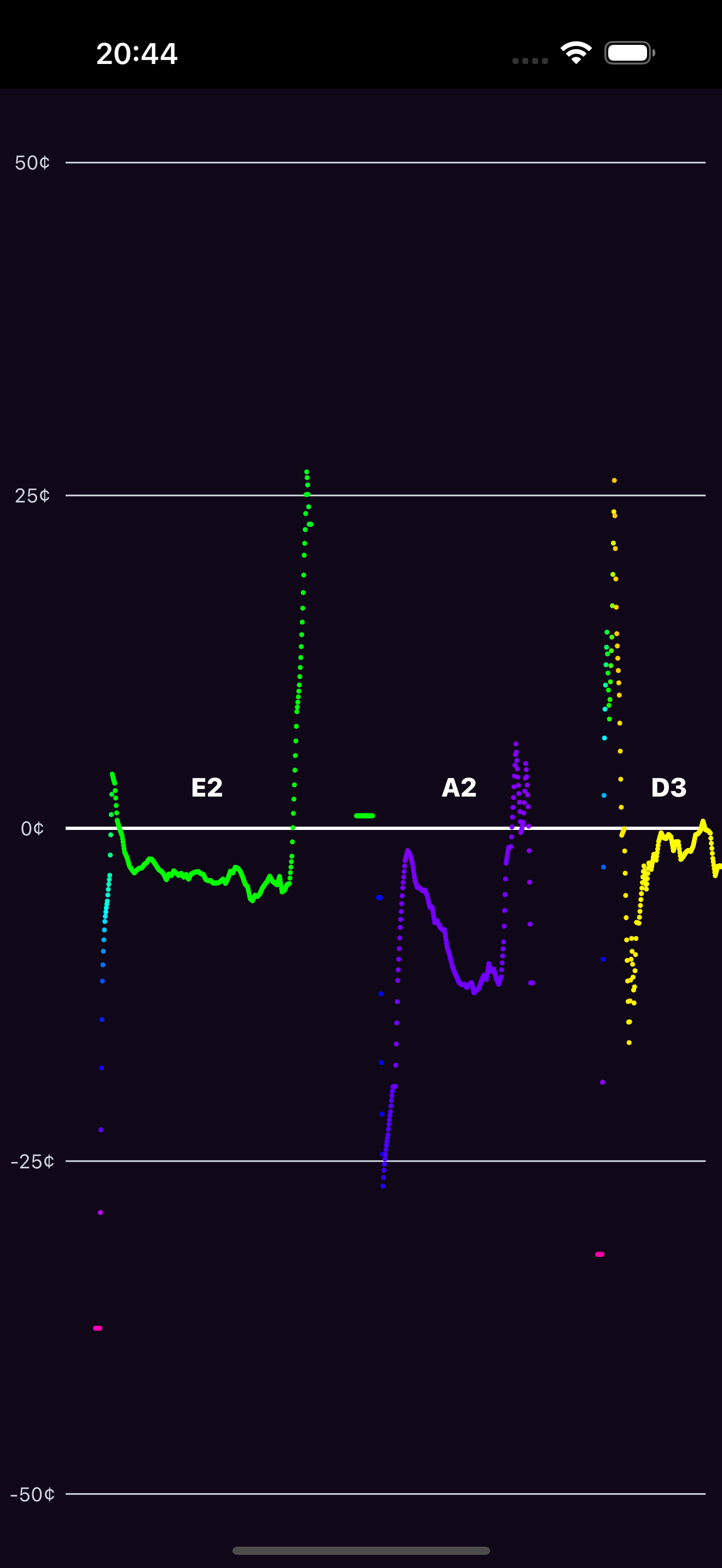
Pitch Diagram
Real-time pitch graph. See every note you sing or play.
Pitch Spectrogram
See multiple notes at once. Analyze chords and harmonies.
Tuner
Cent-accurate chromatic tuner with spectrogram context.
Intonation Tracker
Track how close you are to each target note in cents.
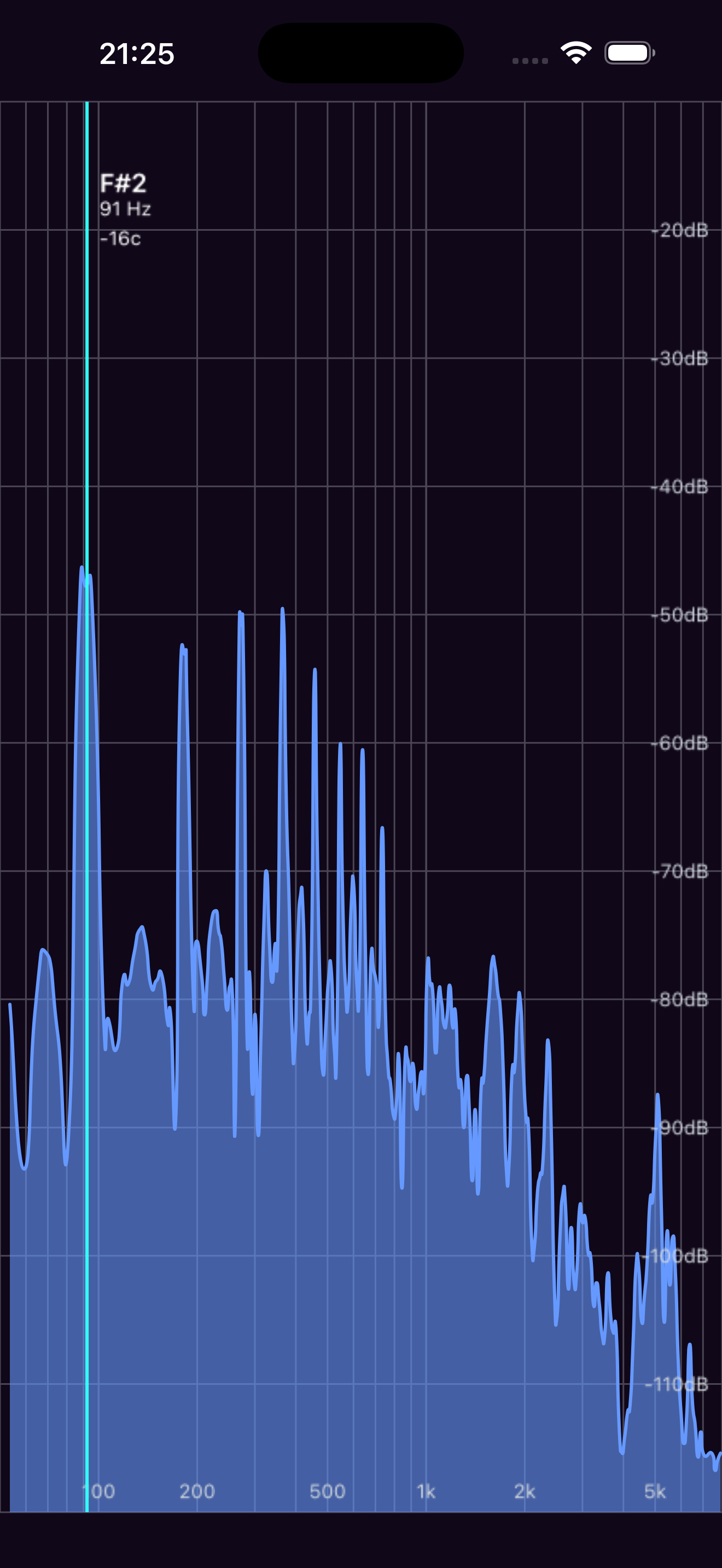
Spectrum Analyzer
Log-frequency spectrum from 10 Hz to 20 kHz.
Sound
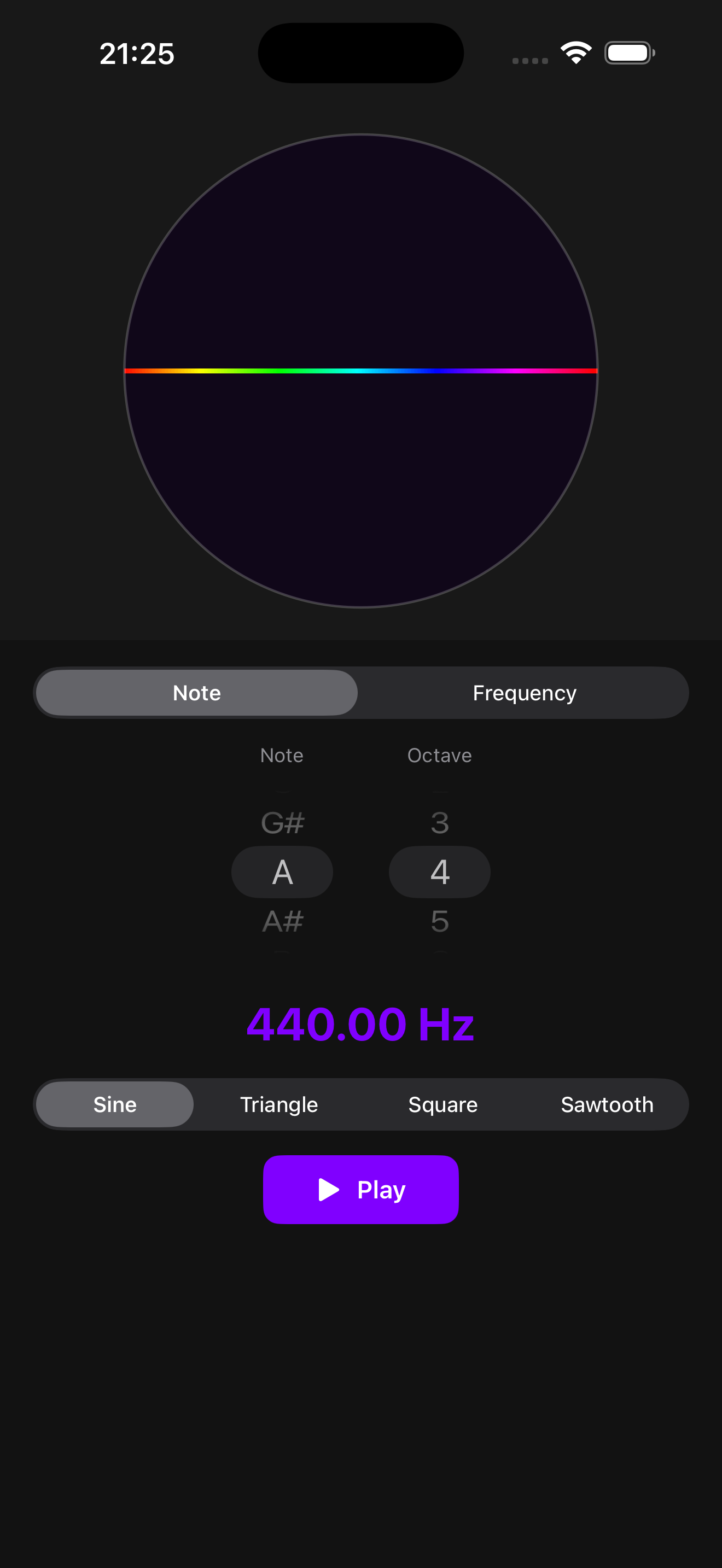
Tone Generator
Generate reference tones by note name or frequency.
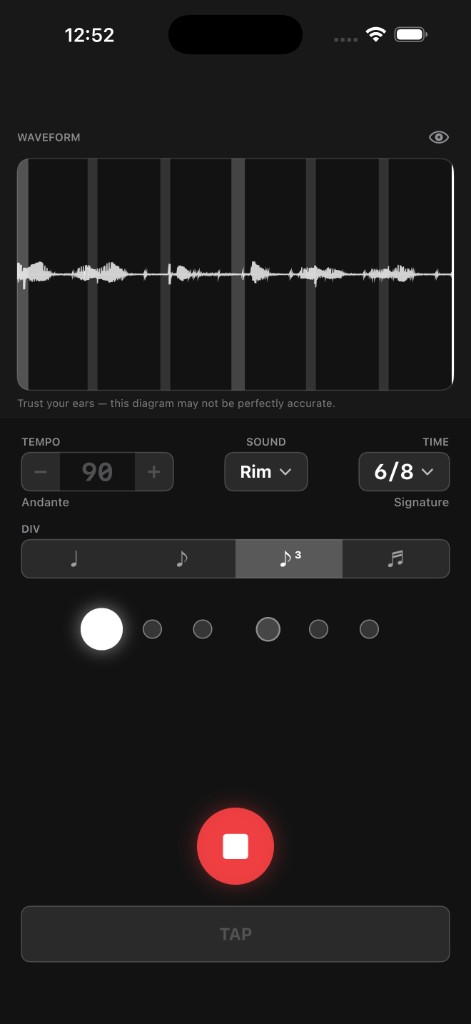
Metronome
Practice rhythm with visual beat tracking and waveform feedback.
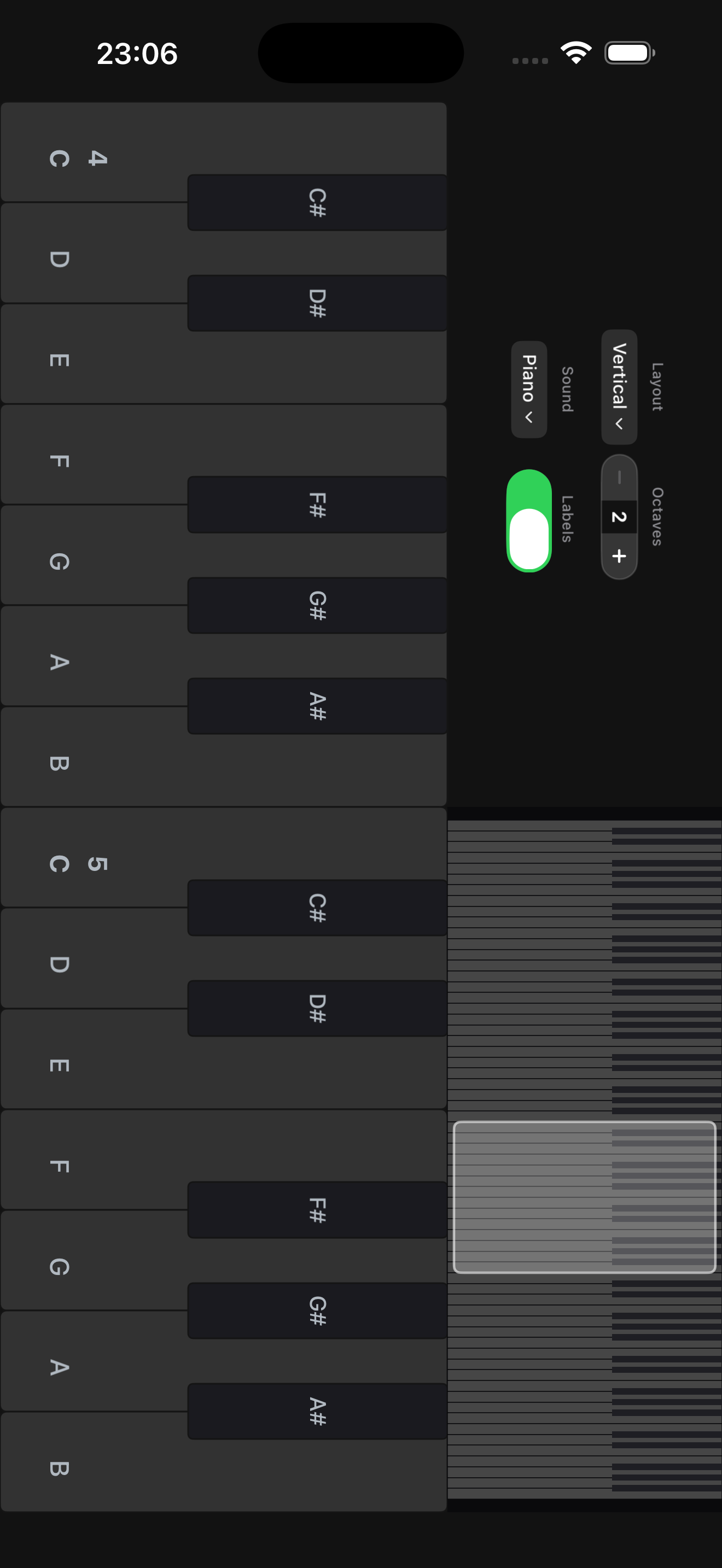
Keyboard
Sampled instruments, visual feedback, and quick octave controls.
Learn
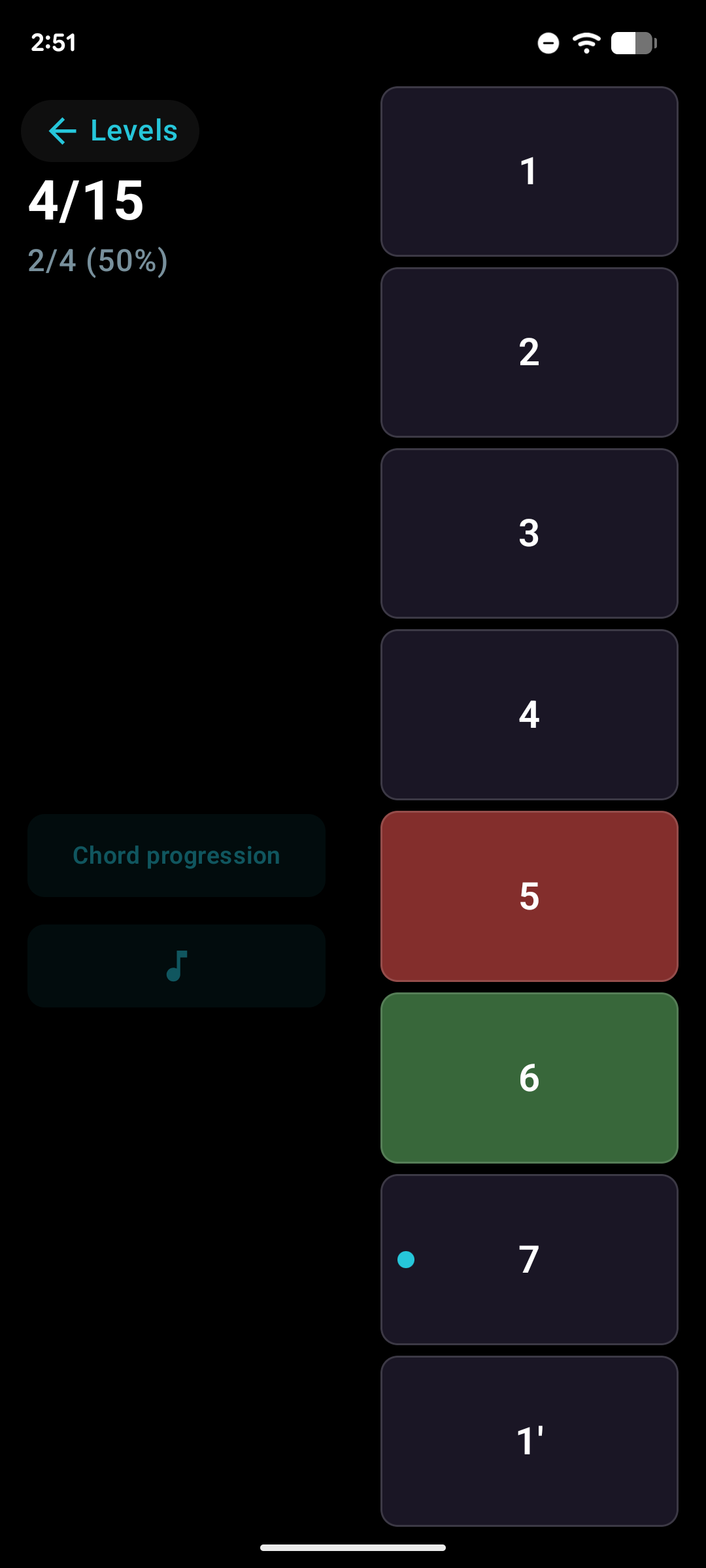
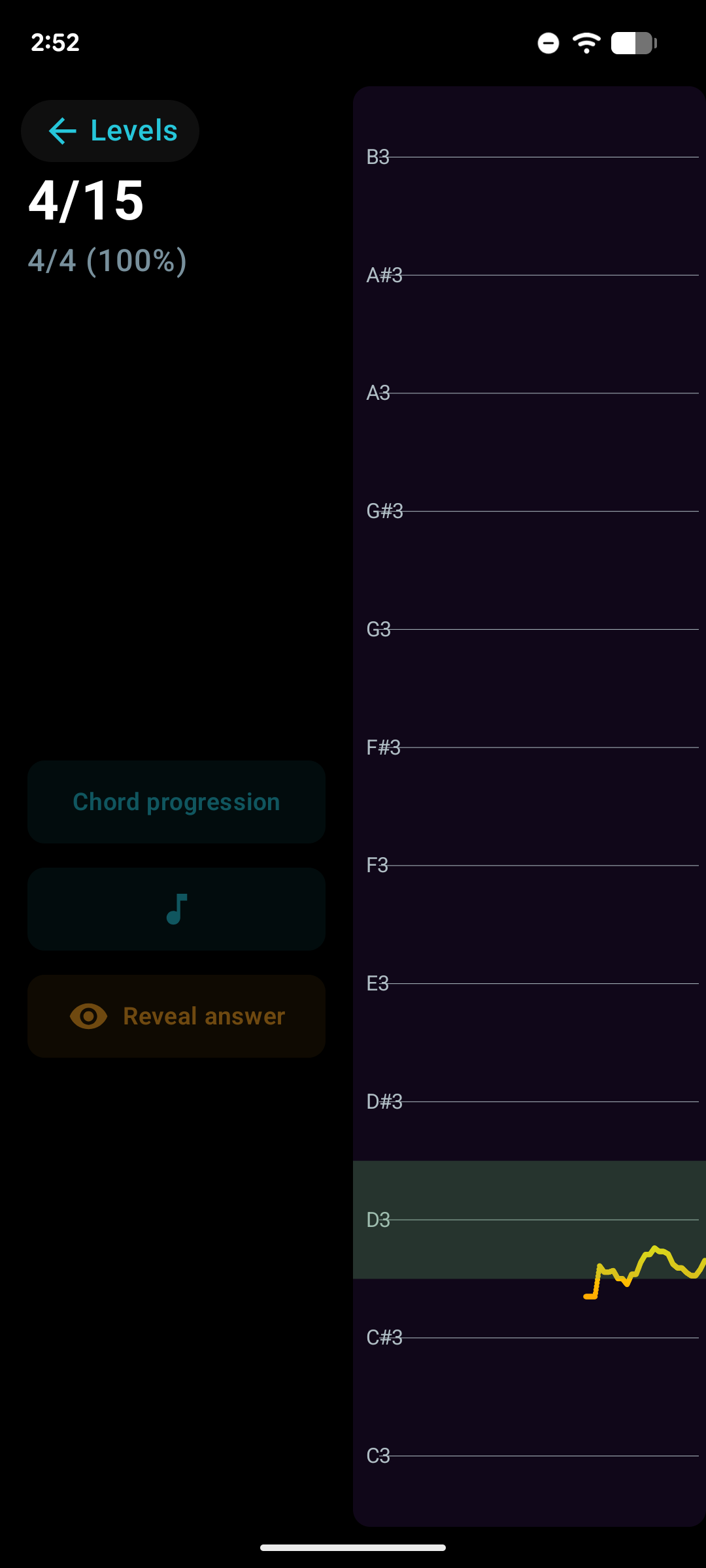
Relative Pitch Interval Training
Identify scale degrees by ear. Hear a cadence and tap the correct degree.
Solfege Trainer
Sing scale degrees in key. Build pitch memory through vocal practice.
Available on iOS and Android